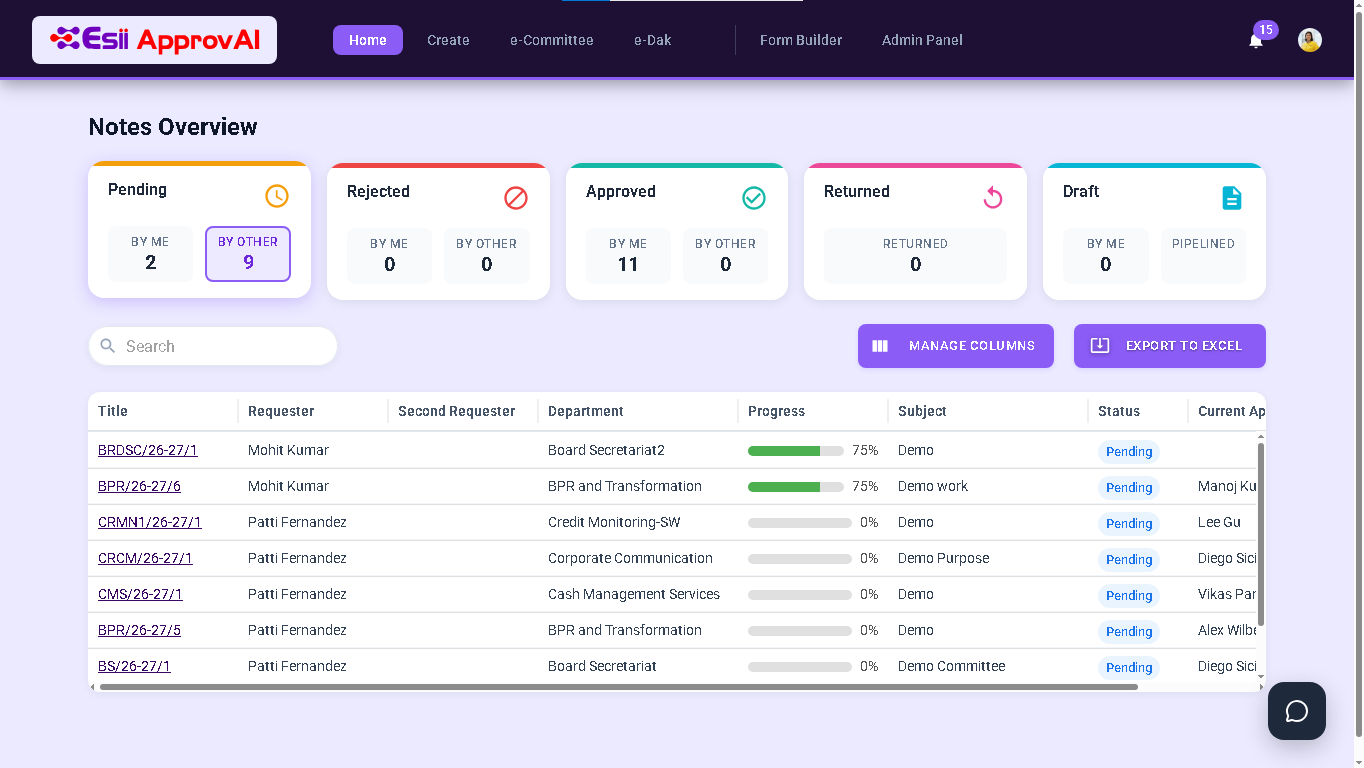
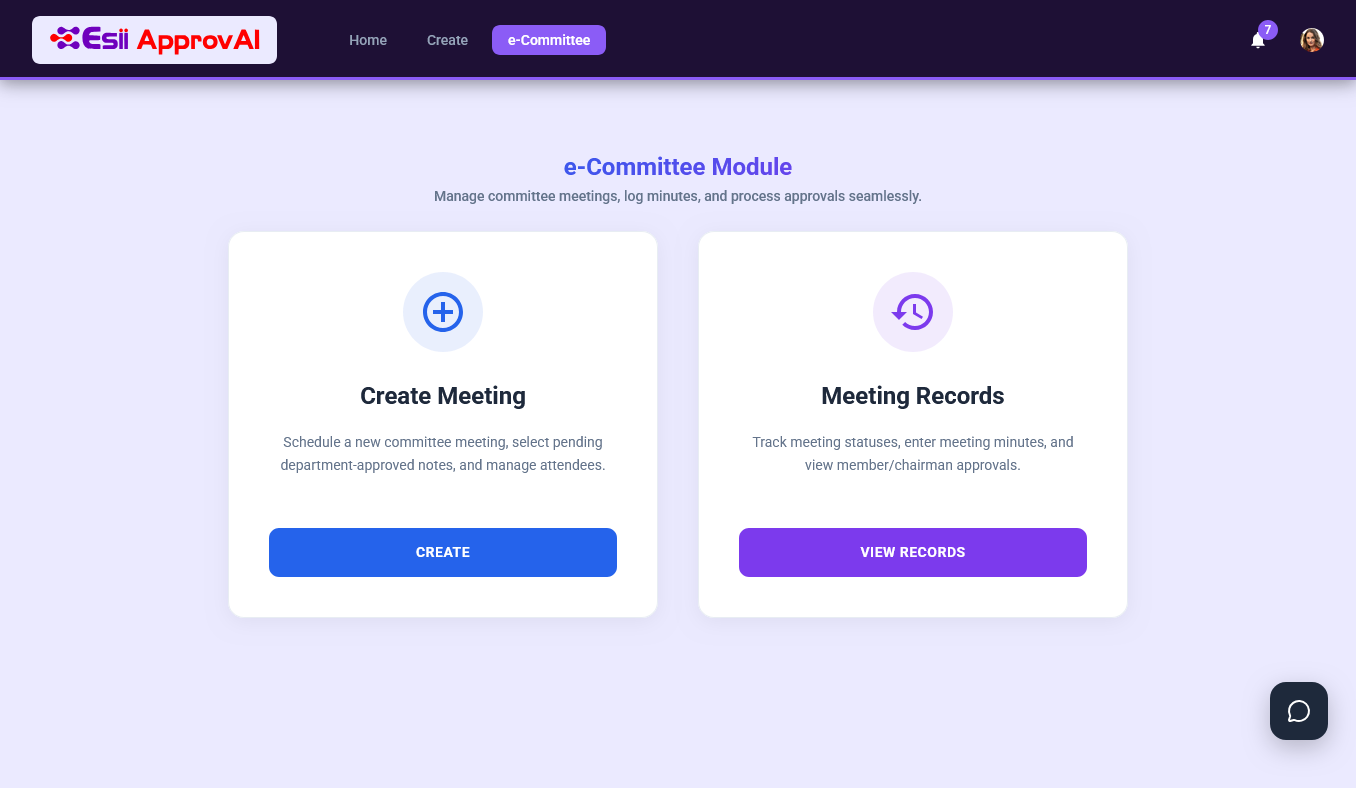
Every approval stuck in someone's inbox is a business at a halt.
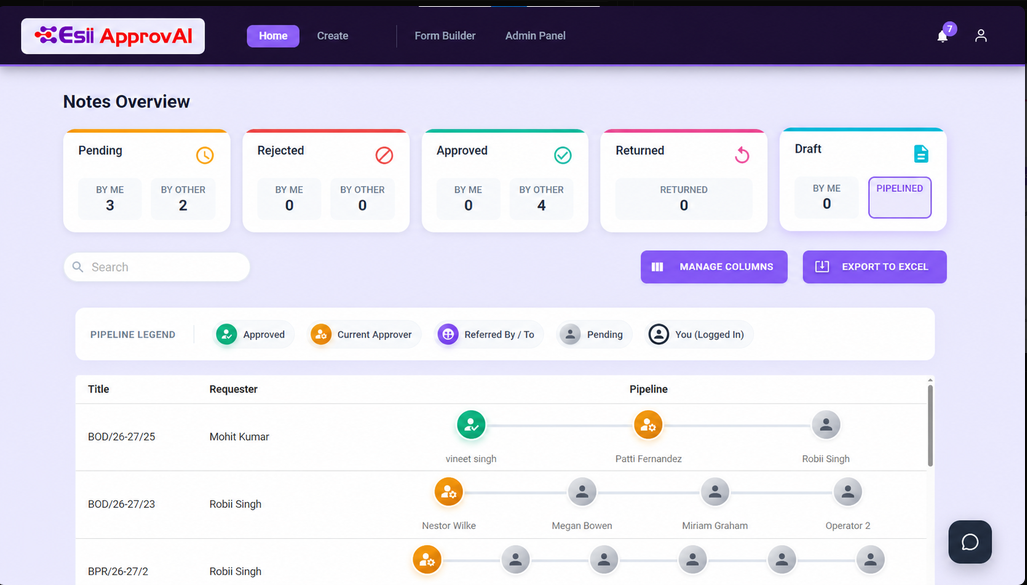
Esii ApprovAI is an enterprise workflow and approval automation platform. Configure approval chains, set escalation rules and give every stakeholder real-time visibility into where a request stands, from any device, with a full audit trail behind every decision. Runs on your Microsoft 365 and SharePoint environment, or on an open-source stack, whichever your organisation already has.
ApprovAI runs on SharePoint Online. Your data stays in your Microsoft 365 tenant. Nothing leaves your environment.
1. Submit a request
A structured form linked to the relevant workflow, purchase request, leave application, contract approval or any process needing sign-off.
2. Route to the first approver
The workflow engine sends it to the designated approver, with a Teams and email notification and full context. No manual forwarding.
3. Act from any device
The approver approves, rejects or returns for clarification, with a comment that becomes part of the permanent record.
4. Auto-advance or complete
The request moves to the next level automatically, or closes once the final level acts. Reminders and escalation run in the background.
5. Archive with full audit trail
Who acted, when, at what level and with what comment, archived and searchable for compliance without manual reconstruction.
Use Cases
In production across procurement, HR, finance and operations.
Each department runs its own workflows within the same ApprovAI instance.
Payment and budget exception approvals
Payment requests above a threshold route for multi-level approval. Budget exceptions carry a mandatory justification. Every authorisation is on record.
Finance and Accounts
Procurement
Payment approvals and budget exception
Budget exception requests are
handled through a separate workflow with
mandatory justification capture.
Change requests and vendor contracts
Change requests, vendor contracts and project scope approvals routed through project manager, business head and delivery lead, with version-controlled comment
Operations and Projects
Human Resources
Leave, policy and onboarding approvals
Leave requests route to the line manager with automatic delegation when they are away. Offer letters move through HR, business head and finance.
From single-level purchase requests to multi-department contract authorisations.
Complete audit trail
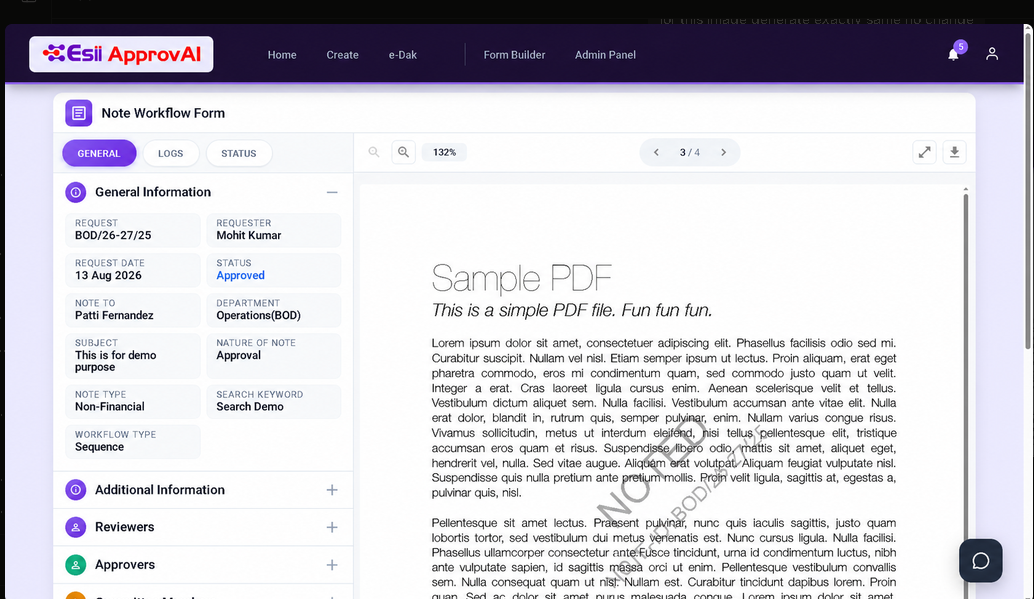
Every action is logged with the approver’s identity, timestamp and comment. Compliance reports generate from the archive, no manual collection.
Dynamic, no-code workflows
Approval chains, routing conditions and escalation rules are configured through a visual designer. No developer needed for standard changes.
Sequential and parallel routing
Route to approvers in sequence, where each level acts before the next is notified, or in parallel, where the request proceeds once everyone has responded.
Automated reminders and escalation
Configurable reminders notify approvers before a deadline. If nothing happens, the request auto-escalates to the designated alternate.
Delegation and substitution
Unavailable approvers can delegate authority to a substitute for a defined period. Every delegated action is logged against both names.
Mobile-friendly approval interface
Fully responsive from any mobile browser. Approvers act on a Teams or email link and decide in under a minute from their phone.
Multi-department configuration
Each department or business unit runs its own workflows, routing rules and escalation paths, all within the same ApprovAI instance.
Multi-channel notifications
Requests and status updates reach Microsoft Teams, Outlook email and in-app notifications, wherever an approver is most likely to act.
Deployed on your existing Modern Framework environment. Data stays within your organisation's Azure boundary, compliant with your data residency policies.